Error Handling in JavaScript: Try, Catch, Finally (Simple Guide for Beginners)
While writing JavaScript, errors can happen at any time. These errors can break your application if not handled properly.
Error handling helps you manage these situations and keep your application running smoothly.
What Are Errors in JavaScript
Errors are problems that occur during code execution.
Example:
console.log(x);
Output:
ReferenceError: x is not defined
This is a runtime error because it happens when the code is running.
Why Error Handling Matters
Without error handling:
Application may crash
User experience becomes poor
Bugs become hard to track
With error handling:
You can handle failures gracefully
Show proper messages to users
Debug issues easily
Using try and catch
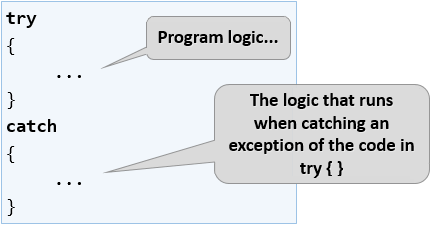
The try block contains code that may cause an error.
The catch block handles the error.
Example:
try {
  let result = JSON.parse("invalid json");
  console.log(result);
} catch (error) {
  console.log("Error occurred:", error.message);
}
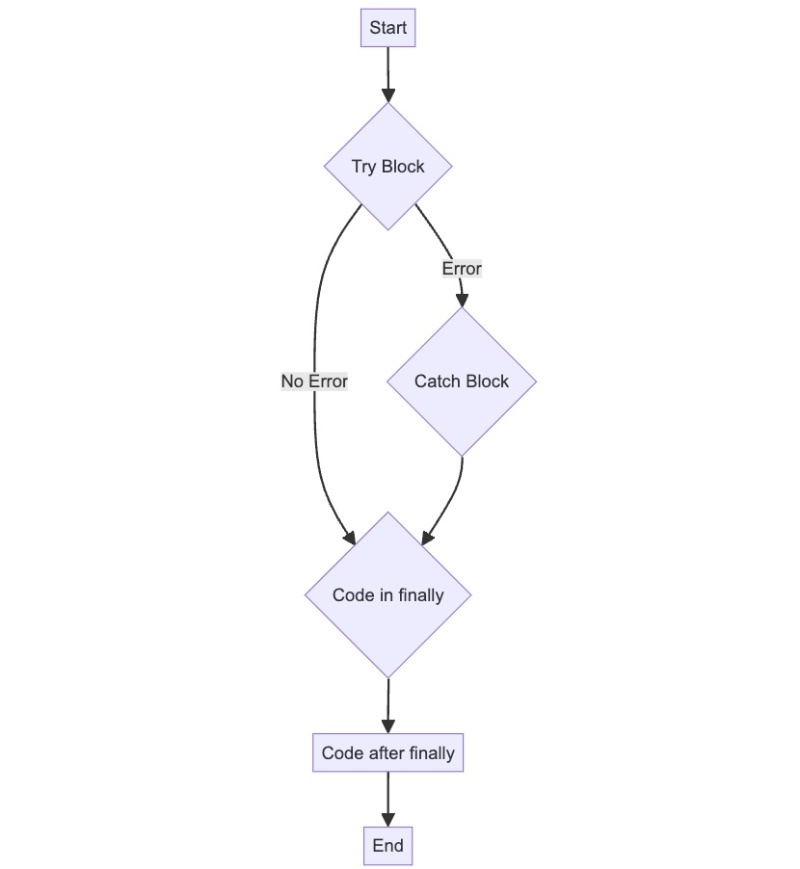
If an error occurs in try, control moves to catch.
Error Handling Flow
Execution:
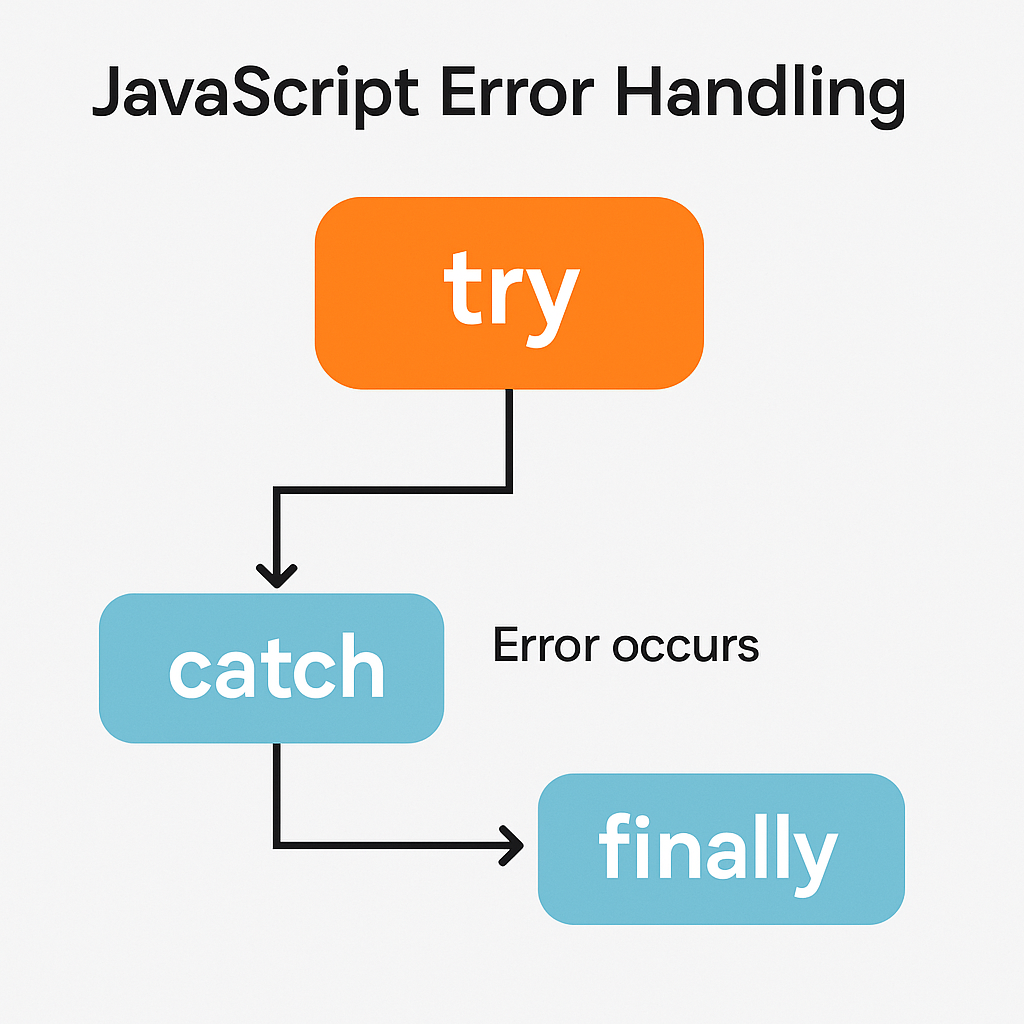
Try runs first
If error occurs, catch runs
Then finally runs
The finally Block
The finally block always runs, whether an error occurs or not.
Example:
try {
  console.log("Trying...");
} catch (error) {
  console.log("Error:", error);
} finally {
  console.log("This always runs");
}
Use finally for cleanup tasks like closing resources.
Throwing Custom Errors
You can create your own errors using throw.
Example:
function withdraw(amount) {
  if (amount > 1000) {
    throw new Error("Limit exceeded");
  }
  return "Success";
}

try {
  withdraw(2000);
} catch (error) {
  console.log(error.message);
}
This helps you control error conditions in your code.
Graceful Failure Example
Instead of crashing the app:
try {
  let data = JSON.parse(userInput);
} catch {
  console.log("Invalid input. Please try again.");
}
This improves user experience.
Debugging Benefits
Error handling helps you:
Identify issues quickly
Log useful messages
Prevent unexpected crashes
Try → Catch → Finally Order

The order is always: try → catch (if error) → finally
Conclusion
Errors are common in programming
Use try and catch to handle them
Use finally for cleanup tasks
Throw custom errors when needed
Good error handling makes your application more stable and easier to maintain.